 Singing Start Guide
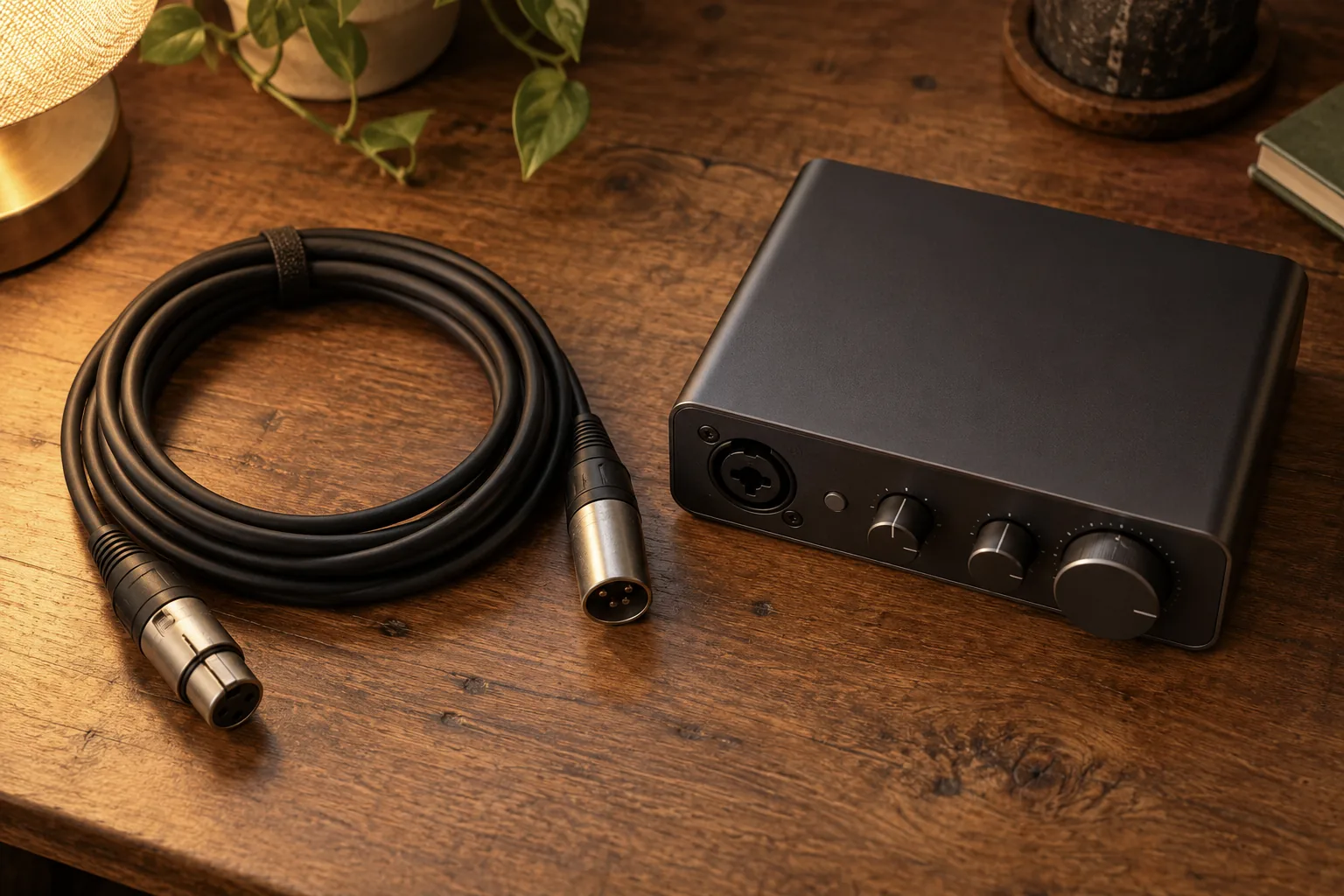
An interface improves how faithfully your voice reaches the hard drive. Singorama’s 28 modules improve the voice, which is the half of the chain that most home setups are neglecting.
Affiliate link: we earn a commission if you buy, at no extra cost to you.
See what’s inside →An audio interface is the small box that sits between a microphone and a computer. It is also the piece of equipment beginners are most often told they need and least often actually need. Whether you need an audio interface comes down to what you plug into it and what you want out of it, and for a singer recording one voice into a laptop the honest answer is frequently no. This article explains what it does and gives you a clear test for whether to buy one.
There are no shop links in the body of this article. The only affiliate link is the Singorama course box, and we may earn a commission from it.
What an audio interface actually does
Four jobs, all of them mundane and all of them necessary somewhere in the chain.
- Preamplification. A microphone’s output is extremely quiet. The interface’s preamp raises it to a workable level, and the quality of that preamp is most of what you are paying for.
- Analogue-to-digital conversion. It samples the analogue signal into numbers your computer can store. In the entry bracket this stage is essentially a solved problem and not worth agonising over.
- Phantom power. The 48V supply condenser microphones need to work at all.
- Low-latency monitoring. A headphone output with direct hardware monitoring, so you hear your own voice with no perceptible delay while you sing.
Notice that a USB microphone performs the first three of those internally, and many perform the fourth as well through a headphone socket on the body. That overlap is why the “do I need one” question exists at all.
The four cases where you genuinely need one
- You own or want an XLR microphone. That is the whole reason interfaces exist for most people. No interface, no way to use the microphone with a computer.
- You need two inputs at once. Voice and guitar, or two singers, recorded as separate tracks. USB microphones do not do this without a great deal of unpleasantness.
- Latency is ruining your performance. If you hear yourself a beat behind in the headphones, you will sing tentatively and drag. Direct monitoring solves it completely.
- You want a proper headphone output. Laptop headphone jacks are often weak and noisy. An interface drives studio headphones properly, which matters more than most people expect.
Interface, USB microphone, or neither
| What you want to do | What you need | Why |
|---|---|---|
| Practise with a pitch-scoring app | Neither | Phone or wired earbuds are plenty |
| Record reference takes to hear yourself back | Neither | A phone voice recorder does this well |
| Record demos alone into a laptop | USB microphone | One cable, no extra box, good enough |
| Record voice and guitar together | Interface with two inputs | Separate tracks, separate control |
| Use a condenser you already own | Interface with phantom power | The microphone cannot work without it |
| Sing live as well as record | XLR microphone plus interface | The mic then works with any PA system |
| Build a setup you keep for a decade | Interface | Upgrade each half independently |
What you should not expect it to fix
People buy an interface hoping their recordings will stop sounding amateur, and then feel cheated when the new recording sounds like the old one with a slightly different flavour. The interface sits at stage three of a five-stage chain, and stages one and two, meaning your room and your microphone, dominate everything a listener hears. An entry-level interface will not remove the boxiness caused by a bare wall, will not stop plosives thumping, and will not make a thin, under-supported vocal sound full.
If those are your complaints, the order of fixes is: move where you stand, hang something soft behind you, get a pop filter, then improve the singing. The interface belongs somewhere below all of those on the list. Our wider recording and gear section works through the rest of the chain.
If you do buy one, what matters
Keep it boring. Two inputs is the sweet spot for a singer who might one day record an instrument; one input is fine if you are certain you will not. You want phantom power, a headphone socket with its own volume knob, a direct-monitoring switch, and reliable drivers for your operating system. That last point is the one that ruins evenings, and it is worth reading recent owner reports about your specific computer before buying anything.
What does not matter at this level: very high sample rates, the number of knobs, or the brand mystique around preamps. Prices in the entry bracket move around a lot, so check current listings rather than trusting any figure written months ago in an article like this one.
Our position on this one
Do not buy an interface as your first purchase. Buy a hybrid USB and XLR dynamic microphone instead, record over USB for six months, and let a real need appear. If it never appears, you saved the money. If it does appear, the microphone you already own plugs straight into the interface and nothing is wasted. In the meantime, the thing genuinely limiting your recordings is almost certainly the performance rather than the hardware, and a course is one way to address the part of the chain that no box can improve; Singorama is a one-off $67 on the vendor’s page (checked 30 September 2026), and our review explains what we could and could not verify about it.
Frequently Asked Questions
Can I record singing without an audio interface?
Yes, easily. A USB microphone, or even a phone, records perfectly usable vocals. Interfaces are about flexibility and monitoring rather than about being a requirement for making a recording.
Will an audio interface improve my sound quality?
Marginally, and less than you hope. It improves the preamp and headphone stages. It does nothing about the room, the microphone position or the singing, which together account for the vast majority of what makes a home vocal sound homemade.
How many inputs do I need?
Two is the safe answer for a singer. One input covers solo vocals, but the moment you want to record yourself accompanying on guitar or capture a duet properly, a single input becomes a wall. The price difference between one and two inputs is usually small.
Do singing apps work better through an interface?
No. Pitch detection in the apps covered in our best singing apps roundup analyses fundamental frequency, which a phone microphone captures perfectly well. Some apps do not even accept an external interface cleanly on mobile.
What to Read Next
- Our recording and gear guides
- Fitting recording into your practice
- Teaching yourself to sing
- The best singing apps
⚠️ Affiliate disclosure: some links in this article are affiliate links. If you buy through them we may earn a small commission at no extra cost to you — it never changes what we recommend. Read our full disclosure.