 Singing Start Guide
Nobody has ever been held back by a connector. If your takes disappoint you, a course such as Singorama (28 audio modules per the vendor’s page) works on the likelier reason, which lives between your ribs and your soft palate rather than in a cable.
Affiliate link: we earn a commission if you buy, at no extra cost to you.
See what’s inside →The USB versus XLR argument sounds like a question about sound quality. It is not. Both connectors carry the same voice from the same capsule, and in the entry price bracket the difference in what you hear is far smaller than the difference made by moving three feet to the left in your room. USB versus XLR is a question about what your setup can become, and about how much complexity you want to own today. Here is what actually separates them for a singer.
For clarity: this is buying guidance, not a measured comparison, and there are no shop links in the body of this article, so we earn nothing if you buy a microphone. The only affiliate link is the Singorama course box.
What each one actually is
A USB microphone has the preamp and the analogue-to-digital converter built into its body. It hands your computer a finished digital signal. One cable, no extra hardware, and the microphone is effectively a complete recording front end in a single object.
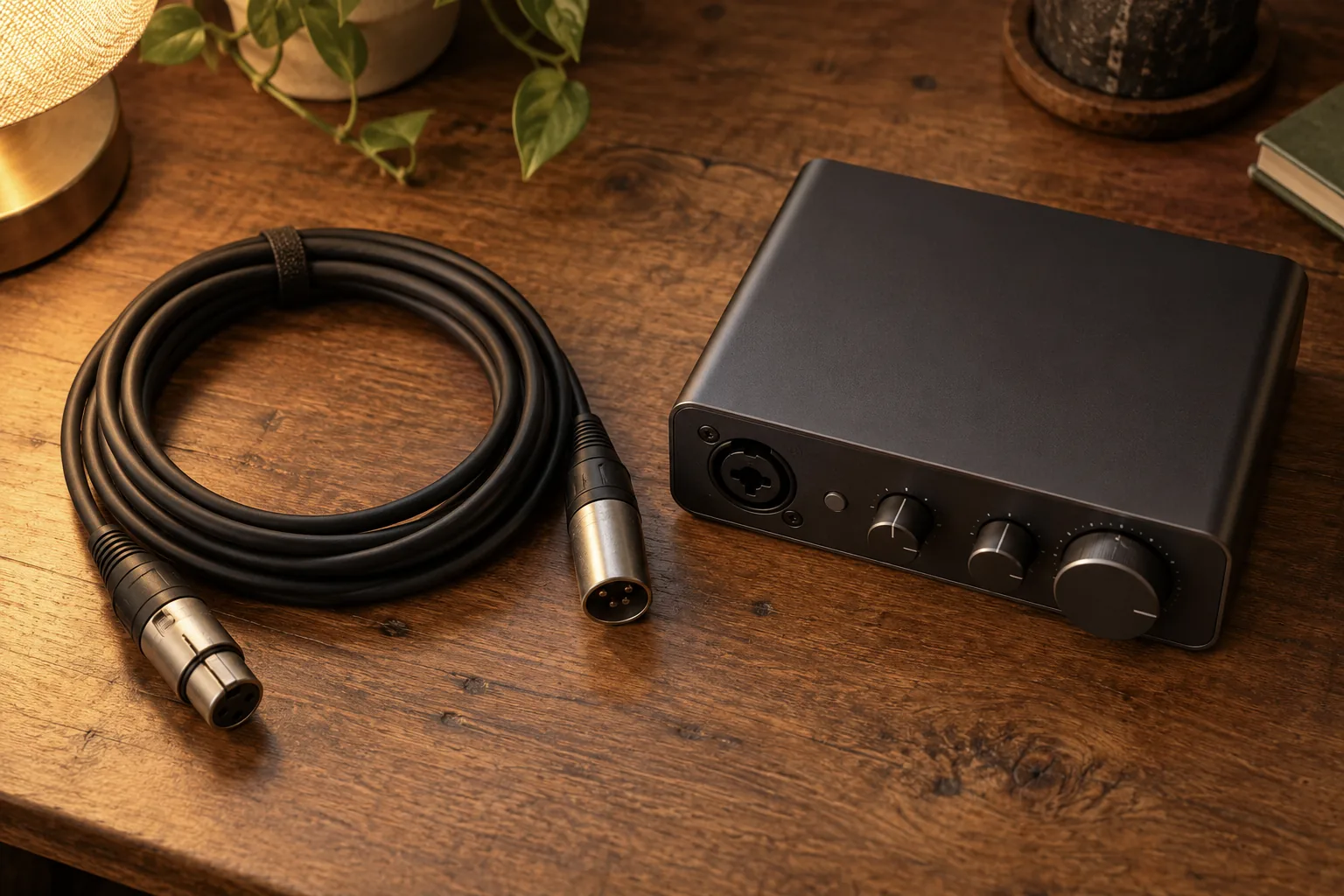
An XLR microphone outputs an analogue signal down a balanced three-pin cable. Something else has to amplify it and convert it: an audio interface, a mixer, or a recorder. The microphone does one job and the other box does the rest. That separation is the entire point of the format, and it is why XLR has survived seventy years of technology changing around it.
The real trade-off, in one table
| Factor | USB | XLR |
|---|---|---|
| Total cost to first recording | Just the microphone | Microphone plus interface plus cable |
| Time to set up | Minutes | An evening, first time |
| Sound quality, entry bracket | Good; the gap is small | Good, with more headroom to improve |
| Record two people at once | Awkward or impossible | Straightforward with a two-input interface |
| Latency while monitoring | Fine if the mic has a headphone socket, poor if not | Consistently low through the interface |
| Upgrade path | Replace the whole microphone | Upgrade either half independently |
| Cable length | A few metres before trouble | Very long runs, balanced and quiet |
| Resale value | Falls quickly | Classic dynamics hold value for years |
When USB is genuinely enough
Most beginner singers, honestly. USB is the right answer if all of the following are true:
- You are recording one voice at a time, into a laptop, in one room.
- Your recordings are for feedback, demos, social clips or sending to a teacher, not for commercial release.
- You do not own or intend to buy other studio gear.
- You value getting started this week over building a system this year.
There is a persistent snobbery about USB microphones in music forums that is thirty years out of date. Modern converters are cheap and good. The audible difference between a competent USB microphone and the same capsule through an entry-level interface is small enough that no listener of your demo will ever identify it, and it is dwarfed by room acoustics and singing technique.
When you should go XLR
The case is much less about quality than people assume. Choose XLR when one of these applies:
- You sing live or rehearse with others. Every PA system, rehearsal room and venue in the world has XLR sockets. A USB microphone is useless the moment you leave your desk.
- You also record an instrument. A two-input interface lets you track voice and guitar together, or voice and a second singer, which USB simply does not do gracefully.
- You want to monitor with near-zero latency. Interfaces give you direct hardware monitoring, so you hear yourself in the headphones without the delay that makes singing feel disorienting.
- You expect to keep this microphone for a decade. Good dynamics outlive several computers, and the XLR standard is not going anywhere.
The hybrid option that dodges the question
Several entry-bracket dynamic microphones carry both a USB socket and an XLR socket in the same body. You plug into the laptop today, and if you ever buy an interface, the same microphone plugs into that instead with no loss. For a beginner who genuinely does not know where this hobby is going, that is the least regrettable purchase in the category, and it is what we would suggest to most people reading this page.
Whichever you choose, one small feature matters more than the connector: a headphone socket on the microphone itself. Monitoring your voice through the computer introduces a delay of tens of milliseconds, which is enough to make you sing tentatively and slightly behind the beat. A headphone socket on the microphone body routes your voice back to your ears instantly, and it turns a frustrating session into a workable one.
The version of this advice we give friends
Buy the hybrid dynamic with USB and XLR, use it over USB for a year, and only buy an interface when a specific need appears rather than because a forum told you to. Spend nothing else until then. The money you did not spend on an interface and a boutique cable is better aimed at the recordings themselves: a pop filter, something soft on the wall behind you, and a course that improves what the microphone is pointed at. Singorama is one such course: $67 one-off on the vendor’s page (checked 30 September 2026); we have not completed it, so see our review before deciding.
Frequently Asked Questions
Does XLR sound better than USB?
Not inherently. The same capsule sounds essentially the same either way in the entry bracket. XLR gives you access to better preamps and converters if you buy them later, which is a ceiling difference rather than a starting-point difference.
Can I plug an XLR microphone into a computer directly?
No, not usefully. You need an audio interface or a USB-to-XLR adaptor with a built-in preamp. Cables that simply change the plug shape without amplifying the signal produce a recording so quiet it is unusable.
Do I need an interface with a USB microphone?
No. That is the entire selling point. Adding one to a USB microphone is not possible and not necessary; the microphone already contains the equivalent circuitry.
Which is better for singing along to apps?
Neither is needed. Pitch-scoring apps in our best singing apps roundup work fine with a phone microphone or wired earbuds, and adding a studio microphone to that workflow improves nothing about the pitch detection.
What to Read Next
- All our recording and gear guides
- Using recordings in your practice routine
- Teaching yourself to sing
- How to sing better
⚠️ Affiliate disclosure: some links in this article are affiliate links. If you buy through them we may earn a small commission at no extra cost to you — it never changes what we recommend. Read our full disclosure.